 Prune
PruneYour Mac, lighter. Cleaner. Safer.
Clean junk, uninstall apps completely, protect your privacy and keep an eye on your Mac, all in one native app. Free and open source.
macOS 14 or later. Apple silicon and Intel.
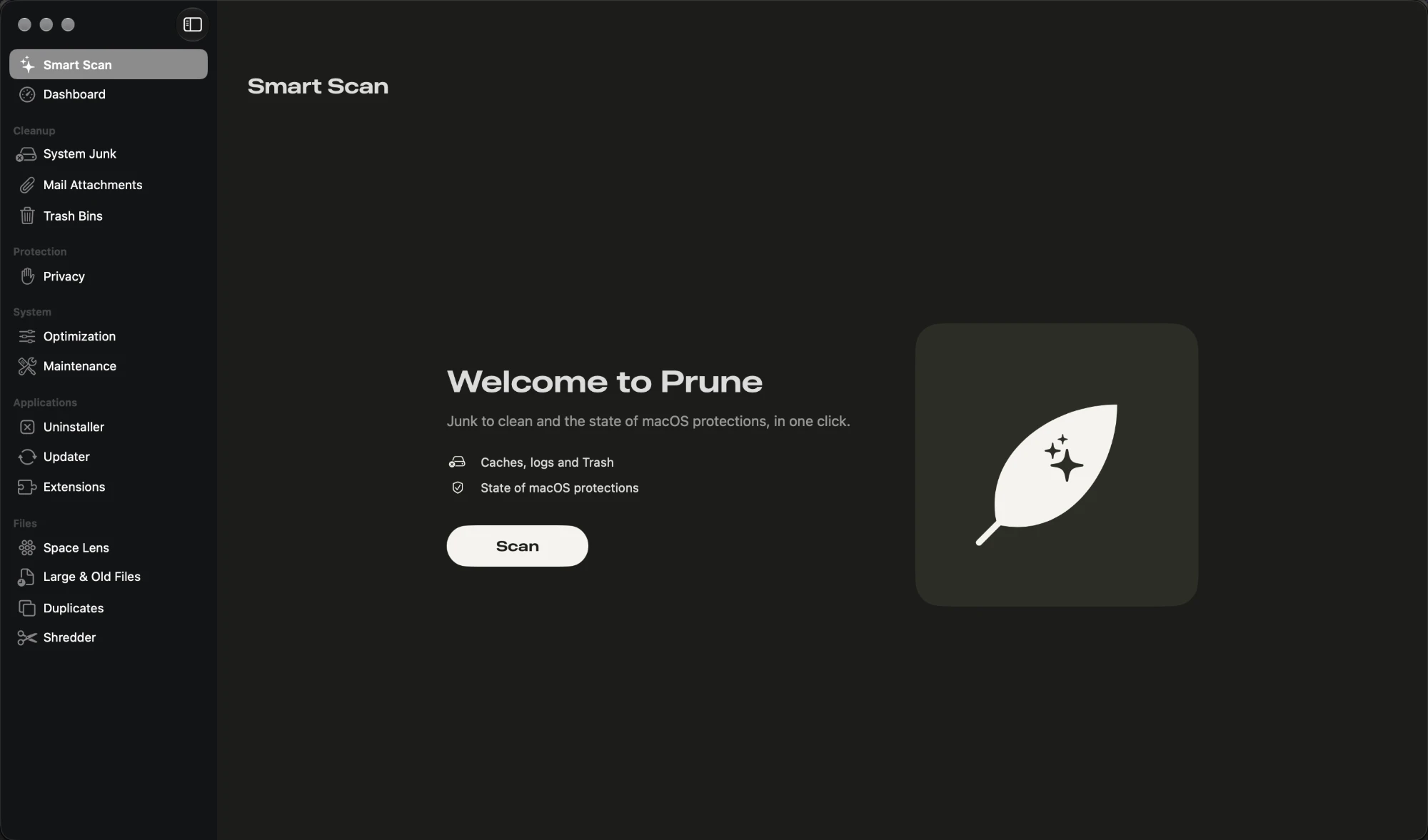
Everything your Mac needs, in one place
Smart Scan
Junk to clean and the state of macOS protections, in one click.
Dashboard
Disk, memory, CPU, network, battery, and SIP, Gatekeeper, Firewall, FileVault and XProtect at a glance.
Cleanup
Caches, logs, temporary files, Xcode and package managers, iPhone files, Mail attachments and the Trash.
Privacy
History, cookies and caches of Safari, Chrome, Edge, Brave, Opera, Vivaldi, Arc and Firefox. Passwords and bookmarks stay intact.
Applications
Uninstall apps completely, find leftovers of removed apps, check updates (Sparkle and Homebrew) and manage extensions.
Files
Disk map, large and old files, duplicates, similar photos and secure shredding.
System
Login items, processes and maintenance tasks: DNS, Spotlight, Launch Services and disk.
Menu bar
CPU, memory, disk, network and battery in real time.
How it works
Download and install
Open the DMG and drag Prune to Applications.
Allow it once
Open it from Privacy & Security and grant Full Disk Access with the built-in assistant.
Scan and review
Click Scan, look through what was found, and clean in one click.
Built to never delete the wrong thing
- Nothing is deleted without your confirmation. You can review each item before cleaning.
- System folders and personal folders are protected, whatever you select.
- Personal files and apps go to the Trash. Caches and logs are deleted directly. You can change this in Settings.
- Usage statistics are anonymous and only sent with your consent. They never include names of files, folders or apps.
Requirements
- System
- macOS 14 Sonoma or later
- Processor
- Universal app for Apple silicon and Intel
- Languages
- English and Portuguese, following your system language
- Price
- Free, GPL-3.0 licence
Questions
Why does macOS block Prune the first time?
Prune is a free, open-source project made by independent developers, not a company. To open without a warning, a Mac app has to be notarized by Apple, which requires a paid Apple Developer account. Prune isn't notarized yet, so macOS can't confirm who made it and asks you first.
This is a warning that the developer is unknown, not a sign that something is wrong with the app. Because the code is open, you don't have to take our word for it:
- Read every line of the source code on GitHub.
- Check that your download is the one we published: each Release lists the checksums in
SHA256SUMS, andshasum -a 256 Prune-*.dmgshows yours. - Build the app yourself with
./scripts/build_app.sh.
To open it, go to System Settings, Privacy & Security and click Open Anyway. You only do this once. Or run this in Terminal:
xattr -dr com.apple.quarantine /Applications/Prune.appWhy does it need Full Disk Access?
Caches, logs and browser data live in folders macOS protects. Without access, Prune cannot see or clean them.
Will it delete my passwords or bookmarks?
No. Privacy cleaning removes history, cookies and caches only.
Can I undo a cleanup?
Personal files and apps go to the Trash, so you can restore them from there. Caches and logs are removed directly, as apps rebuild them.
How do I update?
Download the new version and replace the app in Applications. What's new is in the changelog.
Is it really free?
Yes. Prune is open source under the GPL-3.0 licence, with the code on GitHub.